
MS-DOS games - 64 страница
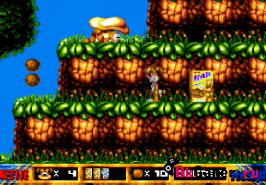
Play Tricky Quiky Games for MS-DOS online — no emulator to install and no ROM to download. You can save and load your progress at any time. Play with a keyboard or a USB/Bluetooth gamepad, or on your phone with touch controls. Find more classics in the «MS-DOS games» section.
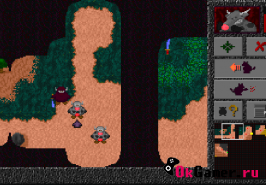
Crazy Cows on MS-DOS: launch it in one click and play online for free on PC or phone. Save your game whenever you like and come back to it later. Keyboard and gamepads are supported, and on phones the game shows on-screen buttons. Liked it? Check out other games in «MS-DOS games».
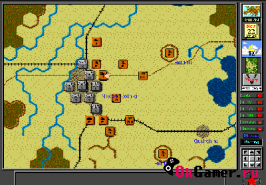
Looking for V for Victory: Velikiye Luki? This MS-DOS game runs right in your browser, free and without registration. Your progress can be saved at any moment and loaded later, so you can continue exactly where you stopped. The game works with a keyboard, a gamepad and touch controls on Android and iPhone. More games like this are waiting in the «MS-DOS games» section.
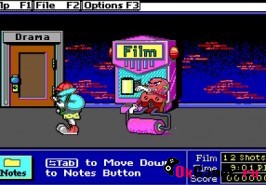
Play Super Solvers: Midnight Rescue! for MS-DOS online — no emulator to install and no ROM to download. You can save and load your progress at any time. Play with a keyboard or a USB/Bluetooth gamepad, or on your phone with touch controls. Find more classics in the «MS-DOS games» section.
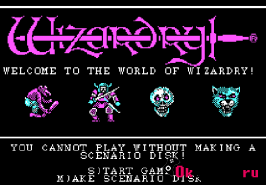
Play Wizardry: Proving Grounds of the Mad Overlord for MS-DOS online — no emulator to install and no ROM to download. You can save and load your progress at any time. Play with a keyboard or a USB/Bluetooth gamepad, or on your phone with touch controls. Find more classics in the «MS-DOS games» section.
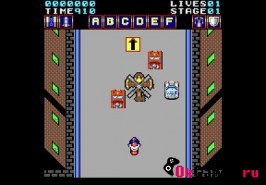
Action Fighter on MS-DOS: launch it in one click and play online for free on PC or phone. You can save and load your progress at any time. Play with a keyboard or a USB/Bluetooth gamepad, or on your phone with touch controls. Find more classics in the «MS-DOS games» section.
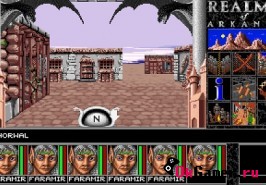
Play Realms of Arkania: Blade of Destiny for MS-DOS online — no emulator to install and no ROM to download. You can save and load your progress at any time. Play with a keyboard or a USB/Bluetooth gamepad, or on your phone with touch controls. Find more classics in the «MS-DOS games» section.
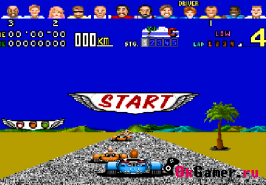
Power Drift is a classic MS-DOS game you can play online for free right here, in your browser. Your progress can be saved at any moment and loaded later, so you can continue exactly where you stopped. The game works with a keyboard, a gamepad and touch controls on Android and iPhone. More games like this are waiting in the «MS-DOS games» section.
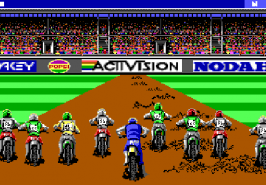
Motocross on MS-DOS: launch it in one click and play online for free on PC or phone. Save your game whenever you like and come back to it later. Keyboard and gamepads are supported, and on phones the game shows on-screen buttons. Liked it? Check out other games in «MS-DOS games».
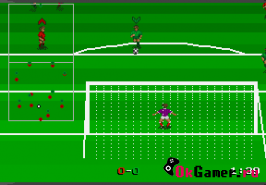
Striker is a classic MS-DOS game you can play online for free right here, in your browser. You can save and load your progress at any time. Play with a keyboard or a USB/Bluetooth gamepad, or on your phone with touch controls. Find more classics in the «MS-DOS games» section.
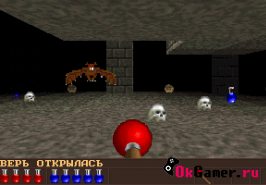
Play Old Gold for MS-DOS online — no emulator to install and no ROM to download. Save your game whenever you like and come back to it later. Keyboard and gamepads are supported, and on phones the game shows on-screen buttons. Liked it? Check out other games in «MS-DOS games».
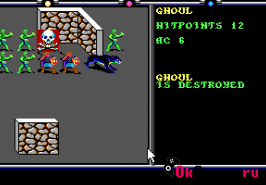
Death Knights of Krynn on MS-DOS: launch it in one click and play online for free on PC or phone. Your progress can be saved at any moment and loaded later, so you can continue exactly where you stopped. The game works with a keyboard, a gamepad and touch controls on Android and iPhone. More games like this are waiting in the «MS-DOS games» section.
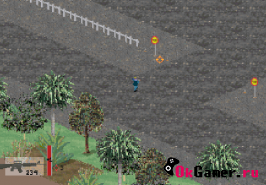
Assault Trooper on MS-DOS: launch it in one click and play online for free on PC or phone. You can save and load your progress at any time. Play with a keyboard or a USB/Bluetooth gamepad, or on your phone with touch controls. Find more classics in the «MS-DOS games» section.
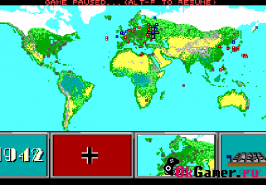
Play Command HQ for MS-DOS online — no emulator to install and no ROM to download. You can save and load your progress at any time. Play with a keyboard or a USB/Bluetooth gamepad, or on your phone with touch controls. Find more classics in the «MS-DOS games» section.
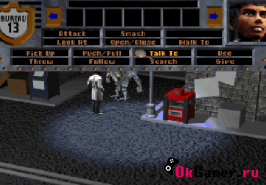
Play Bureau 13 for MS-DOS online — no emulator to install and no ROM to download. You can save and load your progress at any time. Play with a keyboard or a USB/Bluetooth gamepad, or on your phone with touch controls. Find more classics in the «MS-DOS games» section.


